
Installation and Modules
Install ShopGlut
- Go to Plugins › Add New and search for ShopGlut.
- Click Install Now, then Activate.
- Make sure WooCommerce is active too. ShopGlut shows a notice if it is not.
Switch modules on or off
Open ShopGlut › Modules. Each card describes a module and has a switch. A module that is off loads no code on your store.
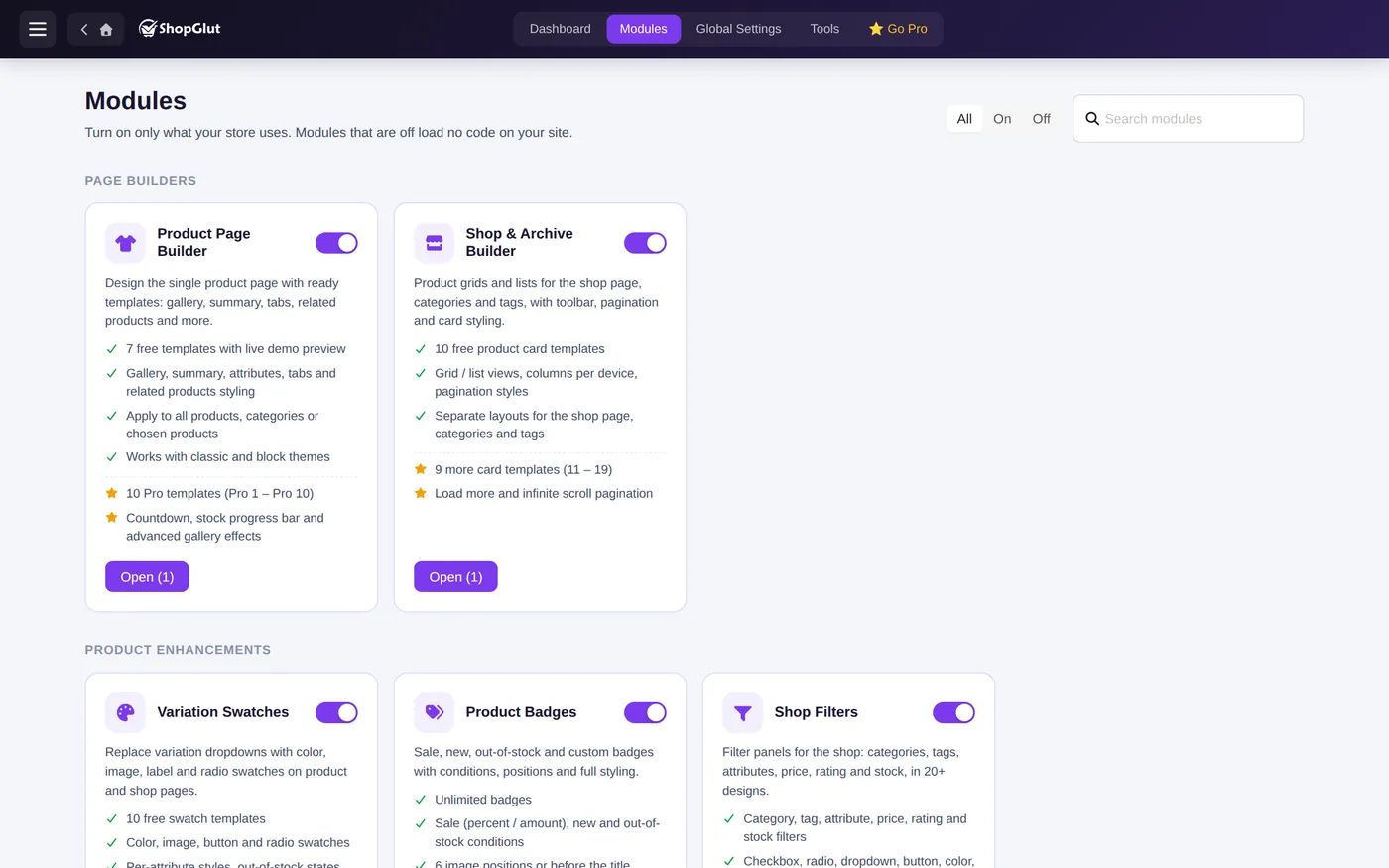
Tip: switch on only what you use. Every module also loads its files only on the pages where it shows something.
Builders and settings modules
Some modules are builders: you create one or more layouts from a template (Product Page, Shop & Archive, Cart, Thank You, Swatches, Badges, Filters, Popups). The others have one Settings screen (Checkout Fields, Wishlist, Side Cart). See Layouts and Display Rules.