
Layouts and Display Rules
Builder modules work with layouts. A layout is a design made from a template, with its own options and rules for where it is used.
Create a layout
- Open the module from the ShopGlut menu, for example Product Page Builder.
- Click New layout and pick a template.
- Change the options and click Save Changes.
- Turn the Active switch on (top right of the editor).
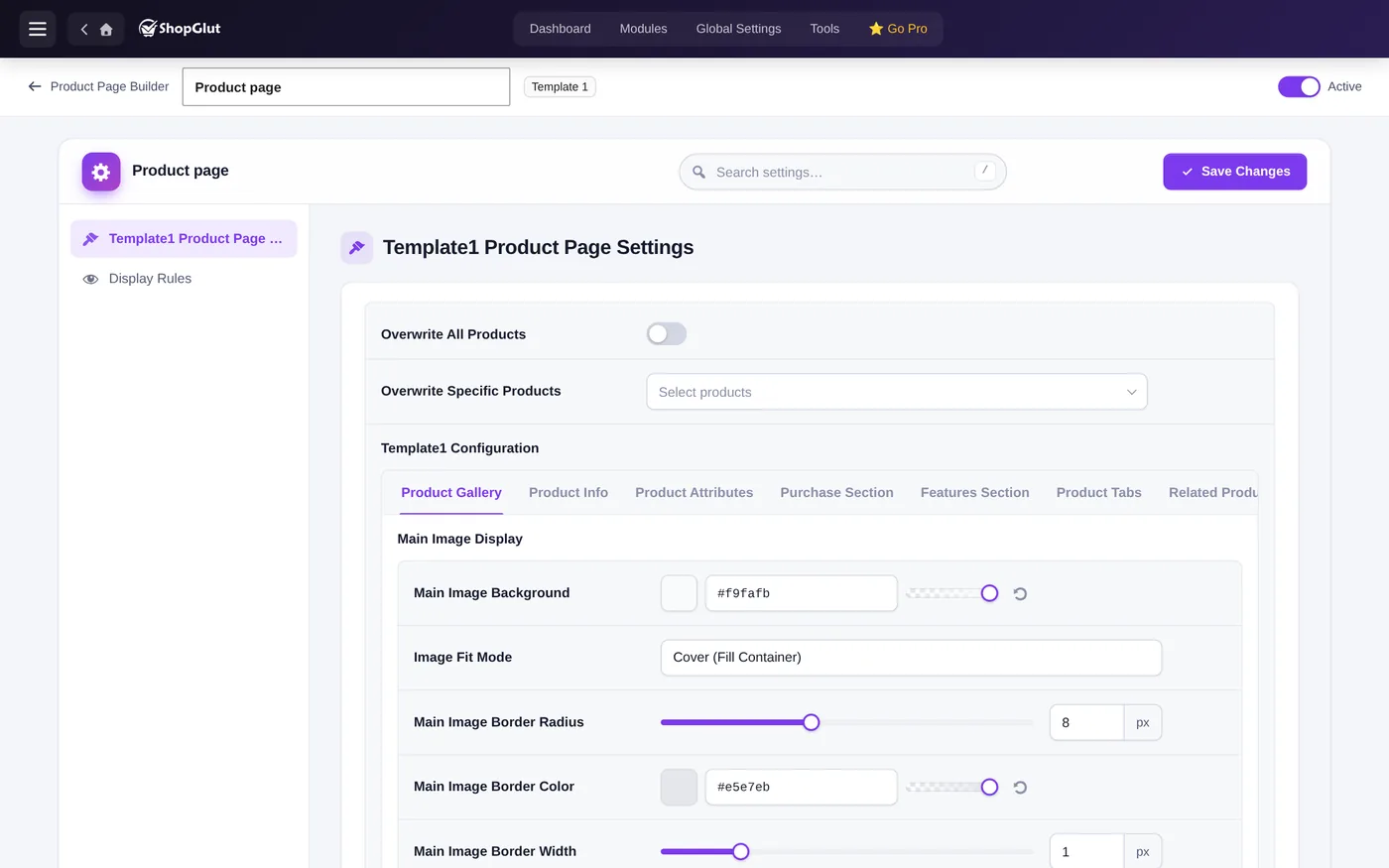
Display Rules
Each layout has a Display Rules tab that says where it applies, for example all products, chosen categories or chosen products; or the shop page, categories and tags.
Priority
When several active layouts match the same page, the one with the highest priority in the layout list is used. Layouts in Draft are never used.
Duplicate, export and import
Duplicate a layout from its row in the list. Move layouts and settings between sites with Tools › Export / Import.