
Side Cart
A cart drawer that slides in when a product is added, with a floating cart button.
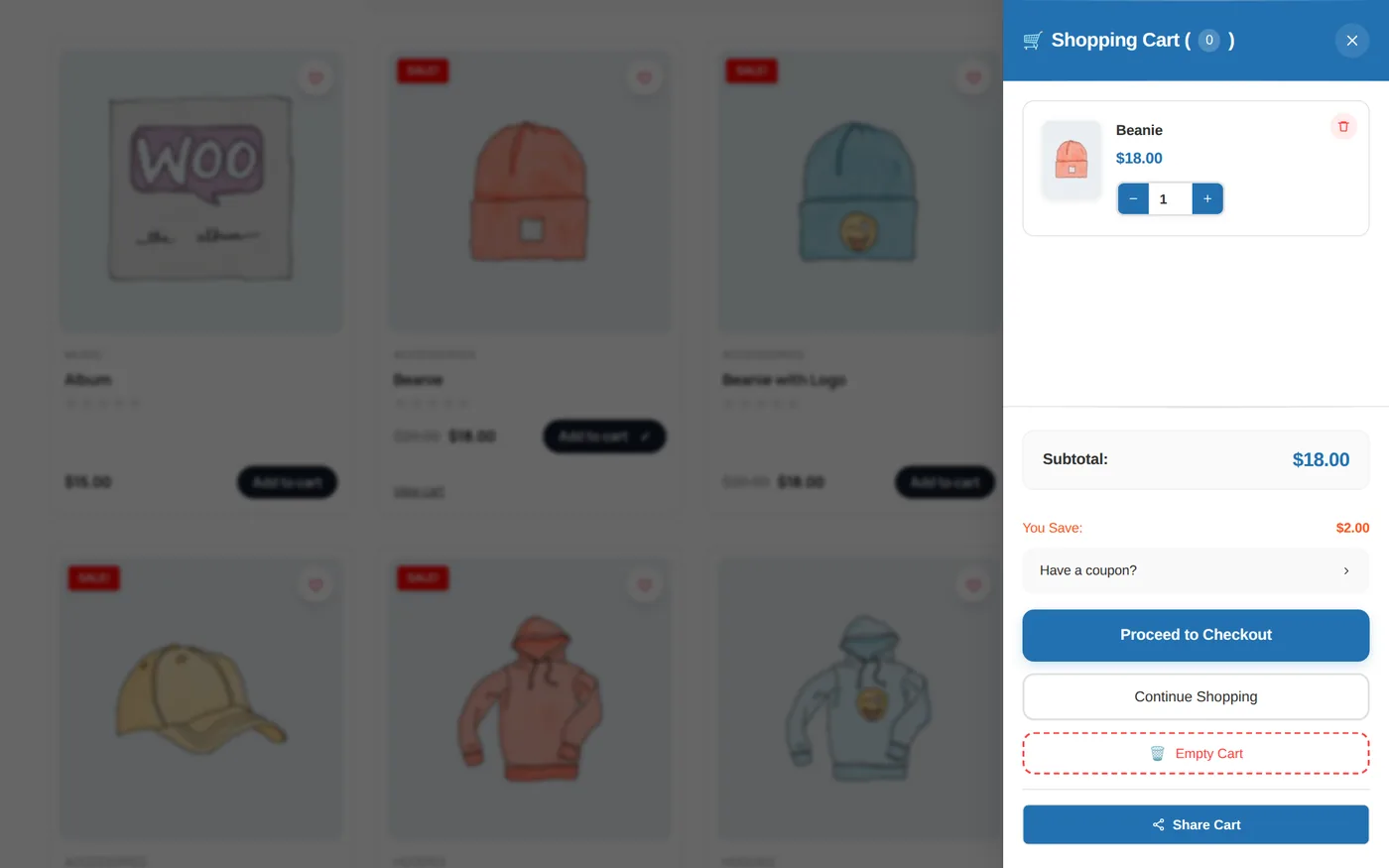
What shoppers can do
- Change quantities with + and −.
- Remove an item, with undo.
- Apply a coupon.
- Empty the cart, continue shopping or go to checkout.
- Share the cart by email.
Settings
- Position (left or right), animation (slide, fade, scale), width and auto-close time.
- Floating button: icon style, size, colors, position; hide when the cart is empty.
- Open on mouse over, open on first visit, or from your own CSS class.
- Skip the cart page and go straight to checkout.
- Colors of the header, items and buttons; custom CSS.
Shortcodes
[shopglut_side_cart] | The mini cart |
[shopglut_side_cart_button] | A cart button that opens the drawer |
[shopglut_side_cart_basket] | Basket icon with count and total |
[shopglut_cart_share] | Share the cart by email |