
Popups & Banners
Create modal popups, announcement bars, slide-in boxes and newsletter popups.
Types
- Modal popup: a centered box over the page.
- Announcement bar: a thin bar at the top or bottom; it can push the page down.
- Slide-in box: a small box in a corner.
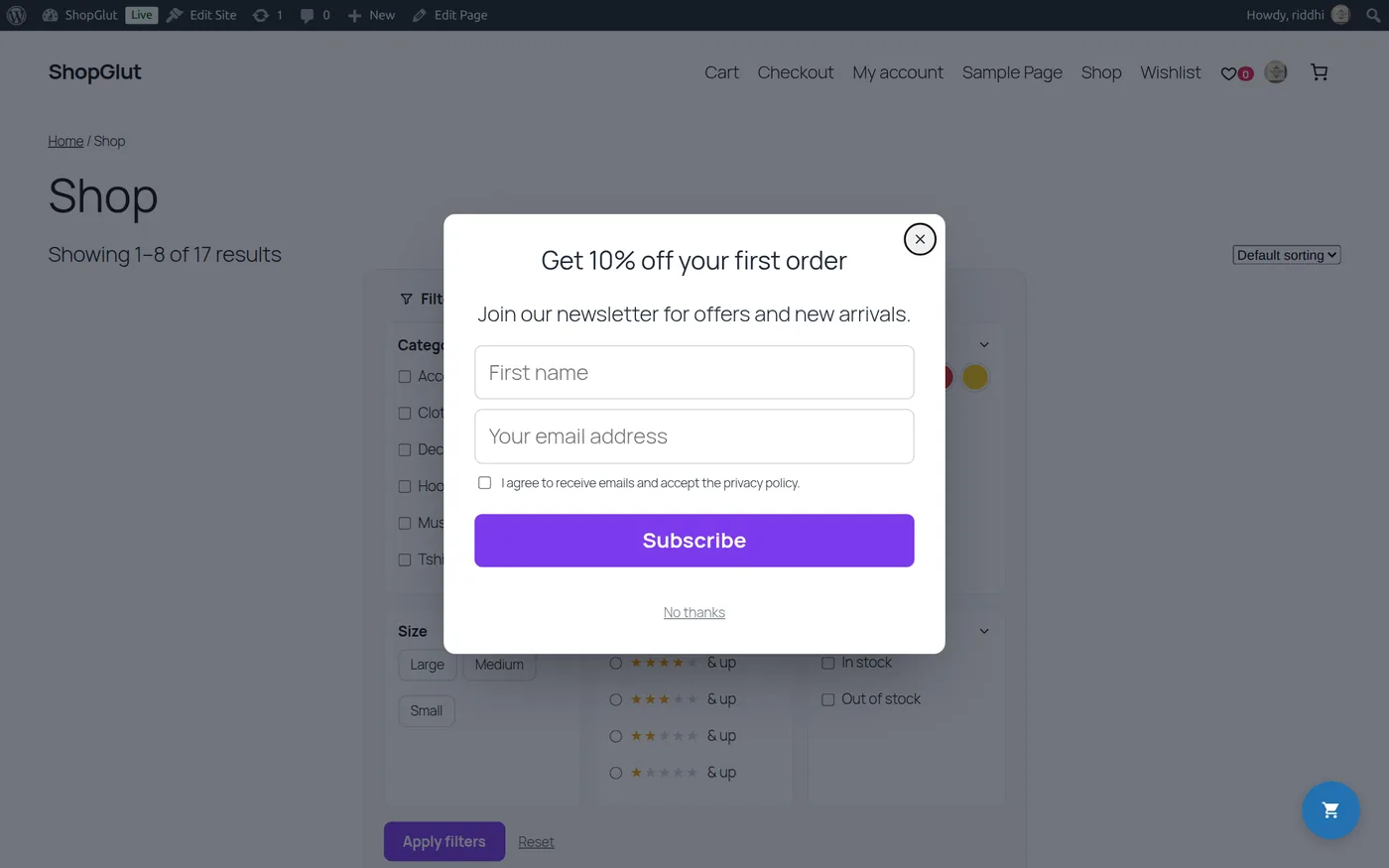
- Subscribe popup: a newsletter form with an optional first name and consent checkbox.
When it opens
- After a delay, after scrolling a part of the page, or on click of a CSS selector.
- Any link to
#shopglut-popup-123opens popup 123, or use[shopglut_popup_button id="123" text="Get the offer"]. - Show again every visit, once per session, after X days, or never; stop after the visitor subscribes or clicks the button.
Where it shows
Display Rules: entire site, home, shop and archives, product pages (optionally some categories or products), cart, checkout, My Account or chosen pages; never on chosen pages; everyone, guests or logged-in visitors; desktop, tablet and mobile.
Subscribers
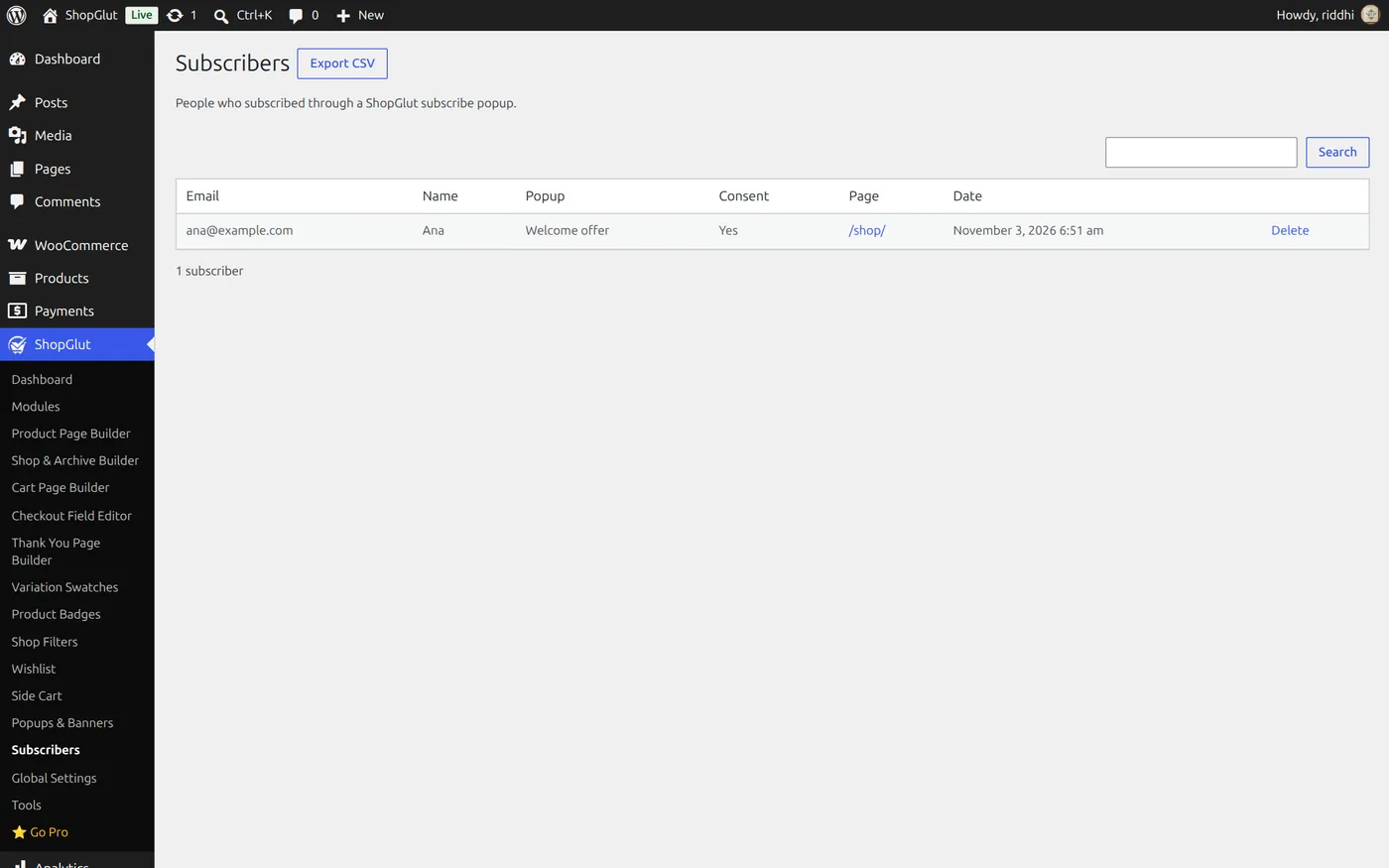
Subscribers are saved in WordPress. See them in ShopGlut › Subscribers, search, delete or Export CSV. They are included in WordPress’s personal data export and erase tools.
Popups work with page caching: the visitor’s browser decides when to open them.