
Wishlist
Let customers save products and come back later.
Buttons
Turn the button on for the product page, the shop page and archive pages, each with its own position, text, icons and style (button with icon, button only, icon only). Choose what a second click does: remove, go to the wishlist, show a message or go to checkout.
Guests and accounts
- Logged-in customers keep their list in their account.
- Guests keep it in the browser for the days you choose; it moves to their account when they log in.
- Or require login to use the wishlist.
The wishlist page
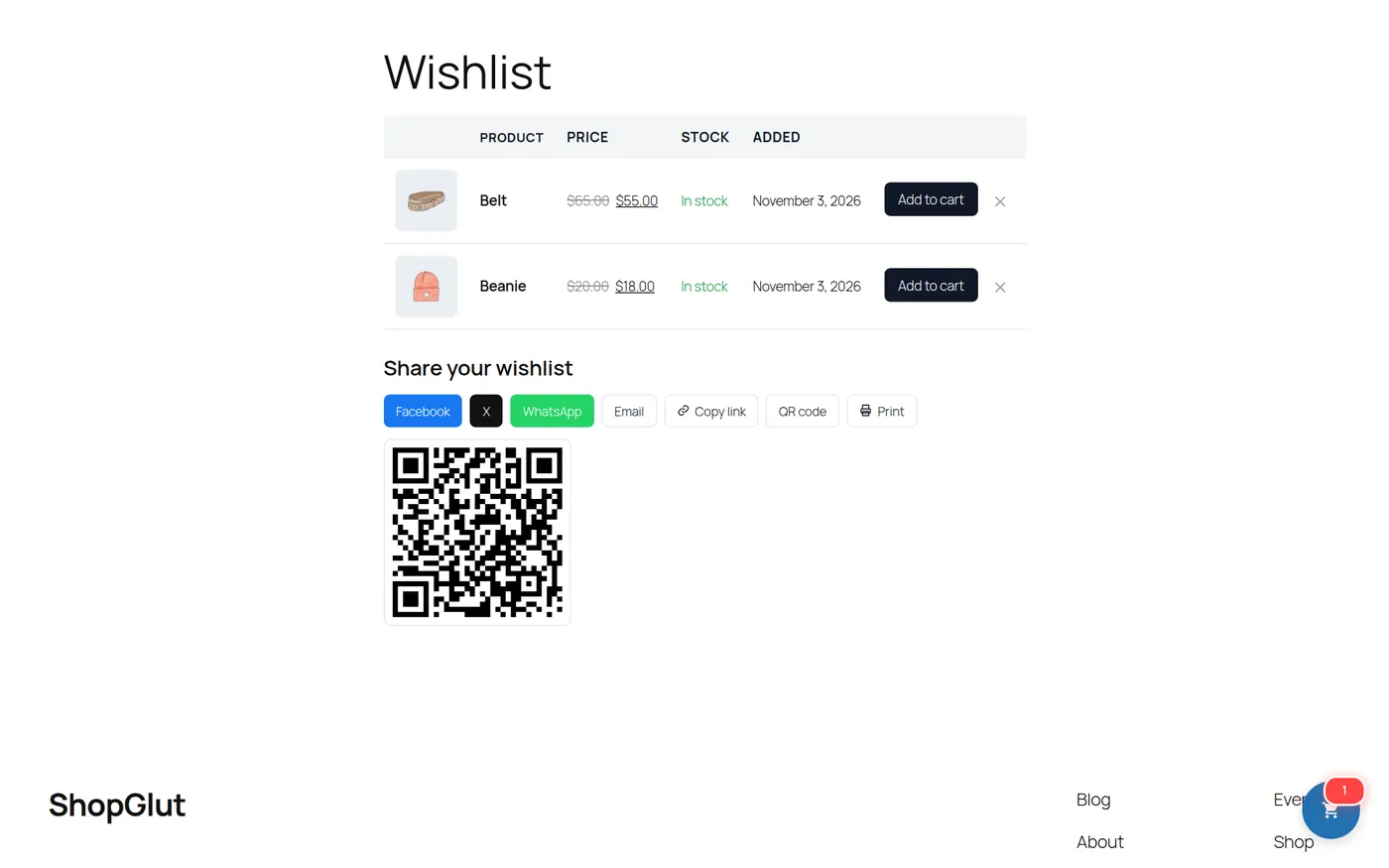
ShopGlut creates a Wishlist page with [shopglut_wishlist], or choose your own page. Customers see price, stock and date added, add items to the cart, remove them, share the list (link, Facebook, X, WhatsApp, Pinterest, LinkedIn, Telegram, email, QR code) and print it.
Shortcodes
[shopglut_wishlist] | The wishlist page |
[shopglut_wishlist_counter] | Heart icon with the number of items |
[shopglut_wishlist_button id="123"] | A button for one product |
[shopglut_popular_wishlist limit="4"] | Products in the most wishlists |