
Shop Filters
Add a filter panel above the products on the shop and archive pages.
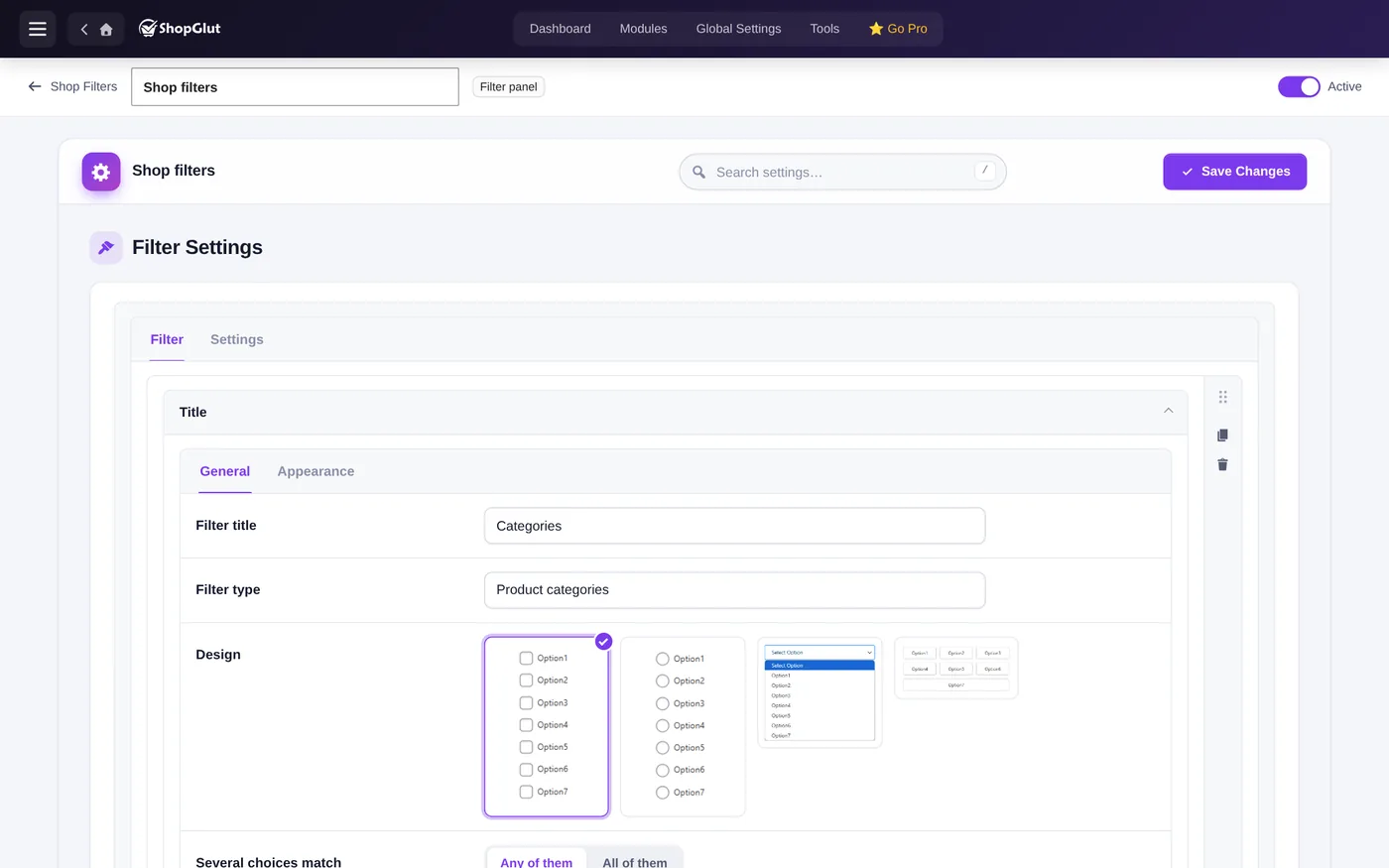
Filter types
- Product categories and tags (with only / all except lists).
- Any product attribute, such as color or size.
- Price: a slider, or fixed ranges like 0-25, 25-50, 100-.
- Rating: 4 stars and up, 3 and up…
- Stock status: in stock, on backorder, out of stock.
- On sale.
Designs
Checkbox list, radio, dropdown and button for categories and tags. Attributes can also use grid, cloud, color and image designs, with a color or image per term.
How it works
- Shoppers choose and click Apply filters; Reset clears everything.
- Active filters show as chips with a remove link.
- Several choices can match any or all of them.
- ShopGlut uses WooCommerce’s own filter URLs for price, rating and attributes.
Place the panel anywhere else with [shopglut_filter id="123"].